
How to Securely Manage Personal Documents: A Step-by-Step Guide
Learn how to securely manage personal documents with encryption, storage, and disposal methods. Protect your sensitive information today.
Table of Contents
- Assess and Categorize Your Personal Documents
- How Long to Keep Tax Records and Other Important Files
- Implement Multi-Factor Authentication and Password Management
- Choose the Best Document Storage for Home and Cloud
- Encrypt Your Digital Files and Set Access Controls
- Secure Document Shredding Services and Disposal Methods
- Create a Backup and Data Recovery Plan
- Common Mistakes to Avoid When Managing Sensitive Documents
- Frequently Asked Questions
Last Updated: September 27, 2026
Assess and Categorize Your Personal Documents
The first step in learning how to securely manage personal documents is knowing what you have and understanding which ones pose the greatest risk if compromised. Most people store files scattered across drawers, email, and cloud services without differentiating between low-risk items like utility bills and high-risk ones like Social Security cards.
Start by listing all your personal documents in one place. Create categories that match your life:
- Tax and financial: W-2s, 1099s, receipts, bank statements, investment records
- Legal: birth certificates, marriage licenses, property deeds, wills, power of attorney
- Medical: insurance cards, prescription records, test results, vaccination records
- Employment: offer letters, contracts, benefits paperwork, performance reviews
- Housing: lease agreements, mortgage documents, home repair receipts, insurance policies
- Identification: passports, driver's licenses, Social Security cards, state ID
Once you categorize documents, assign each a security tier. This framework prevents over-securing low-risk items and under-securing high-risk ones.
Tier 1 (Critical, Encrypt and Vault): Documents enabling identity theft or fraud if compromised. Require encryption, physical safe storage, and limited access: Social Security cards, passports, birth certificates, financial account numbers, tax returns, medical records with diagnoses, property deeds, and powers of attorney.
Tier 2 (Sensitive, Encrypted Cloud + Physical Backup): Documents with personal information but lower fraud risk than Tier 1. Encrypt in cloud storage with physical backup: bank statements, insurance policies, utility bills, medical bills, employment contracts, and lease agreements.
Tier 3 (Standard, Cloud or Local Storage): Documents with minimal personal information or low fraud risk: receipts, performance reviews, old utility bills, expired insurance policies, and general correspondence.
Once you categorize documents and assign security tiers, assign each a retention period. This prevents your files from becoming cluttered with outdated papers while ensuring you keep what matters. The IRS requires you to keep tax records for at least three years, though IRS guidance on record retention recommends keeping them longer in certain situations.
How Long to Keep Tax Records and Other Important Files
Tax and financial records: Keep for at least seven years (IRS can audit back six years; certain situations allow longer). Bank statements, receipts, and investment records should match this timeline.
Legal documents: Keep permanently. Birth certificates, marriage licenses, property deeds, wills, and powers of attorney prove ownership and identity.
Medical records: Keep for at least six years after your last visit; some recommend indefinitely for insurance proof of prior coverage or treatment.
Employment documents: Keep offer letters, contracts, and benefits paperwork for at least three years after employment ends. Performance reviews can be kept shorter unless they relate to disputes.
Utility bills and receipts: Keep for one year to support warranty claims and bill payment disputes.
Insurance policies: Keep active policies permanently and old policies for seven years after they expire.
Once documents pass their retention date, destroy them securely. Throwing papers in the trash leaves you vulnerable to identity theft; shredding is the standard method.
Implement Multi-Factor Authentication and Password Management
Multi-factor authentication (MFA) adds a second verification step beyond your password, making account access much harder even if your password is stolen.
MFA requires two or more verification methods: something you know (password), something you have (smartphone or security key), or something you are (fingerprint or face). The most common approach sends a code via text or authenticator app after you enter your password.

Password managers solve a critical problem: most people reuse passwords across accounts. If one account is breached, attackers can access all your accounts.
A password manager stores all passwords in one encrypted vault. You remember only one master password while the tool generates strong, unique passwords for each account and fills them automatically.
Using a password manager with MFA protects your most sensitive accounts. Enable MFA on email, banking, healthcare, and housing-related accounts first.
Choose the Best Document Storage for Home and Cloud
You need multiple storage layers: physical storage protects against digital breaches, digital storage protects against fire or loss, and mobile storage requires its own security framework.
Physical storage options:
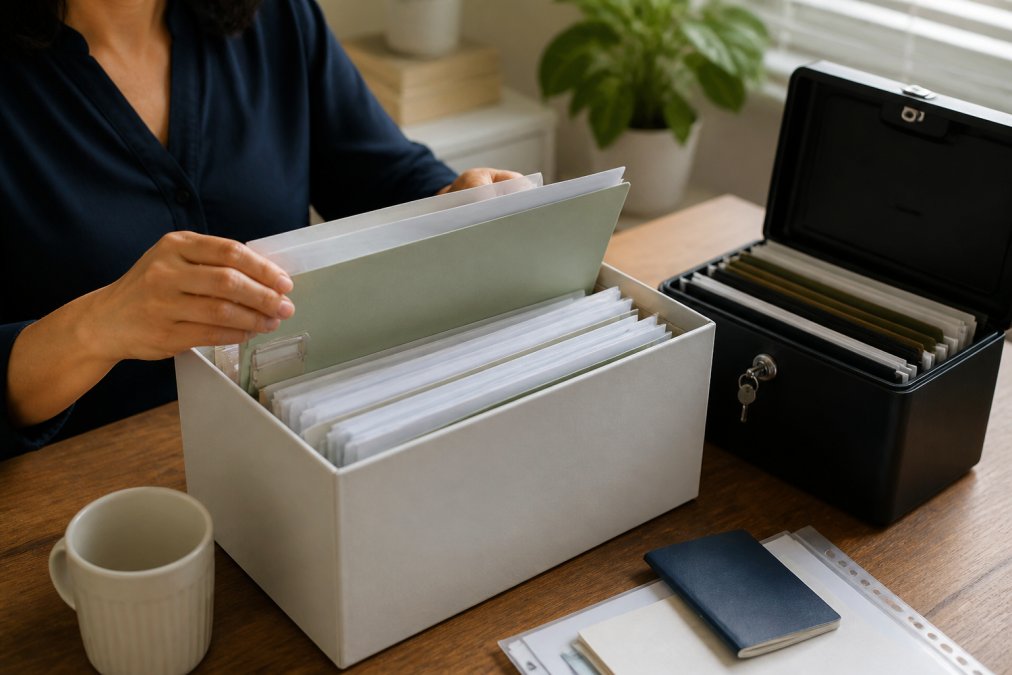
A home safe or fireproof box protects documents from theft and fire. Keep original documents here: birth certificates, property deeds, wills, passports. A UL-rated safe (certified by Underwriters Laboratories) provides standardized fire protection.
A safe deposit box at your bank provides professional security in vaults with access controls and surveillance, though access is limited and fees apply (typically $25-$150 annually).
A locked drawer or filing cabinet works for Tier 2 and Tier 3 documents. This prevents casual access but won't survive fire or determined theft.
Cloud storage options:
Cloud storage services keep copies of your files on secure servers, accessible from any device with internet, and back up automatically to prevent loss from computer failure.
The main security concern with cloud storage is encryption. Files should be encrypted in transit and at rest. End-to-end encryption means only you can read your files, not the storage provider.
For Tier 1 documents like tax returns or medical records, use cloud storage with end-to-end encryption to prevent the storage company from reading your files.
A balanced approach combines all three methods: keep Tier 1 originals in a physical safe or safe deposit box, and encrypted digital copies in cloud storage. This protects against fire, theft, digital breach, and device failure.
Mobile device storage (Smartphones and Tablets):
Mobile devices present unique security challenges, they are frequently lost, stolen, or accessed by others, yet many people store sensitive documents on phones for convenience.
If you must store documents on mobile devices, follow these practices:
Use device-level encryption: Both iOS and Android encrypt data by default with a strong passcode. Use at least a 6-digit code, preferably alphanumeric, to encrypt all stored files if the device is lost.
Use encrypted document apps: Use apps designed for secure document storage instead of storing PDFs directly. These add an additional encryption layer, such as password-protected cloud apps or dedicated document vaults.
Avoid email for sensitive documents: Email attachments are stored in plain text on your device and mail servers.
Encrypt Your Digital Files and Set Access Controls
Encryption scrambles your files so only someone with the decryption key can read them, protecting files if your computer is stolen or hacked.
Secure Document Shredding Services and Disposal Methods
Throwing documents in the trash is risky, dumpster divers and identity thieves can retrieve them. Secure disposal requires destroying documents so they cannot be read.
Shredding options:
Create a Backup and Data Recovery Plan
Backups protect your files from loss due to computer failure, theft, fire, or water damage, ensuring you can recover your files.
Backup methods:
Common Mistakes to Avoid When Managing Sensitive Documents
Mistake 1: Using the same password everywhere. One breach compromises all accounts. Use unique passwords stored in a password manager.
Frequently Asked Questions
What documents should I never destroy, and how long do I need to keep them?
Keep tax returns and supporting documents (receipts, W-2s, 1099s) for at least three years from the filing date; the IRS can audit up to seven years back in certain cases. Retain mortgage documents, property deeds, and home improvement receipts for as long as you own the property. Keep employment contracts, benefits documentation, and medical records for the duration of employment plus three years after separation. Birth certificates, marriage licenses, and adoption papers should be kept permanently. Destroy documents after their retention period ends using secure shredding services to prevent identity theft.
How do I know if my document storage method meets security standards?
Look for end-to-end encryption, which ensures only you can read your files. Check whether the provider offers multi-factor authentication and access control features. For cloud storage, verify compliance with security protocols like SSL/TLS encryption in transit and AES-256 encryption at rest. For physical storage, use a fireproof safe rated for at least one hour at 1,000 degrees Fahrenheit. Review the provider's privacy policy to understand who has access to your data and how it's protected. If storing sensitive information like tax records or employment contracts, prioritize providers that don't sell user data to third parties.
What's the difference between cloud storage and physical vault storage for personal documents?
Cloud storage offers convenient access from anywhere, automatic backups, and protection against physical disasters like fire or theft, but requires internet access and relies on a third party's security measures. Physical vault storage, such as a home safe or safety deposit box, keeps documents offline and under your direct control, eliminating digital breach risk, but offers no protection if the physical location is damaged or destroyed, and access is limited to your physical location. The best approach combines both: store critical originals in a physical safe and maintain encrypted digital backups in cloud storage for redundancy and accessibility.
How do I securely dispose of sensitive paper documents at home?
For small quantities, use a cross-cut shredder that cuts paper into small pieces, making reconstruction difficult. For larger volumes or highly sensitive documents like tax records or employment contracts, hire professional secure document shredding services that offer certified destruction and provide a certificate of destruction. Never throw documents in regular trash, where they can be retrieved. Don't use a standard strip-cut shredder, as documents can be reassembled. For documents you must keep, store them in a fireproof safe to prevent accidental destruction and unauthorized access.